Bergfink
A Pandoc template for generating PDFs with Typst, plus Lua filters and a small build helper. Based on the Eisvogel template.
Preview
| Custom title page | Basic example page |
|---|---|
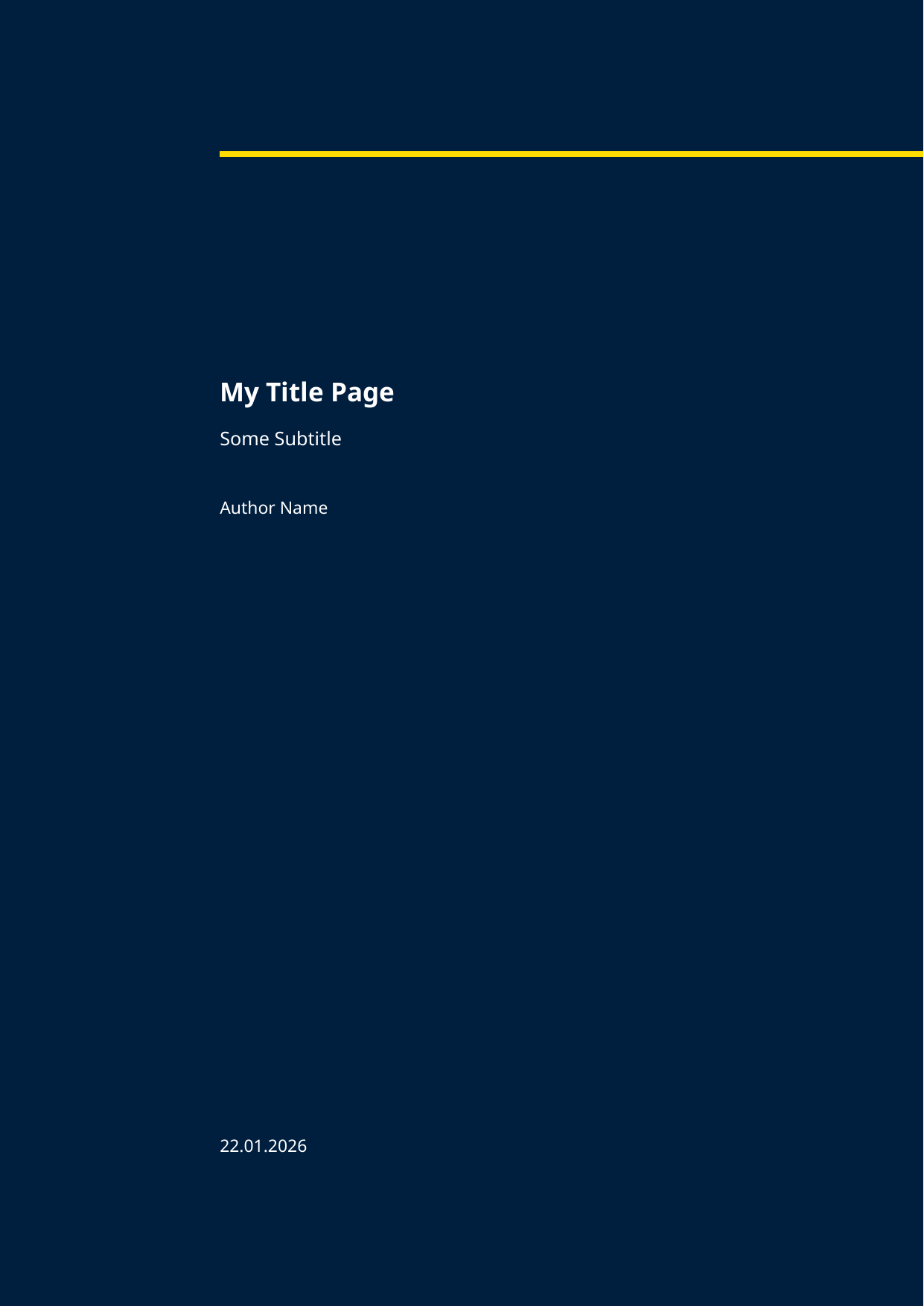 |
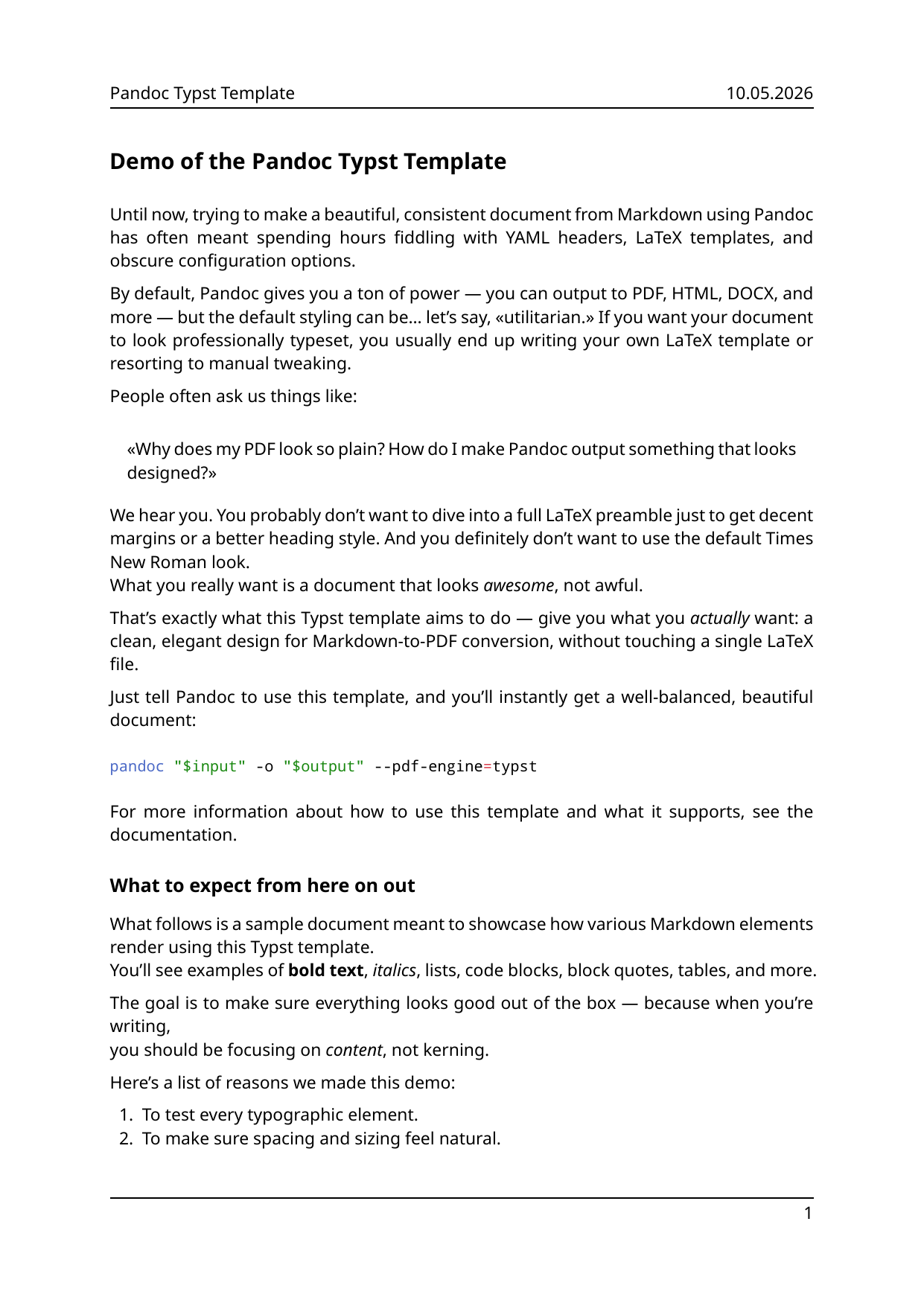 |
Requirements
- Pandoc 3.0 or newer
- Typst (used as
--pdf-engine) - Optional, for diagrams: Mermaid CLI (
mmdc) and PlantUML (plantuml) - Optional, for
make preview:pdftoppm(poppler-utils)
Quick start
Clone the repository and run the helper from the repo root:
./md2pdf.sh examples/basic-example/document.md
This writes examples/basic-example/document.pdf next to the Markdown source.
To emit Typst instead of PDF:
./md2pdf.sh examples/basic-example/document.md --typ
md2pdf.py provides the same interface if you prefer Python.
Project layout
| Path | Purpose |
|---|---|
template/ |
Typst template (bergfink.typst), config (user_cfg.typ), YAML table helpers (yamltable.typ) |
filters/ |
Lua filters applied by md2pdf.sh |
md2pdf.sh / md2pdf.py |
Wrapper around Pandoc with the right template and filters |
examples/ |
Sample documents; run make pdf to build them all |
Configuration
Put your customizations in template/user_cfg.typ. Define a #let user_cfg = (...) dictionary with only the keys you want to change; they are merged on top of the template defaults. Do not edit template/base_cfg.typ — it is maintained with the template and may change between versions.
Settings are merged in this order (later wins):
- Template defaults (from
base_cfg.typ, applied automatically). template/user_cfg.typ— project-wide overrides when no custom config is passed.- Custom config file — another Typst file with
#let user_cfg = (...)(seeexamples/custom-config/customcfg.typ). - YAML front matter — Pandoc metadata variables mapped in
template/bergfink.typst.
Pass a custom config with the helper:
./md2pdf.sh document.md -c path/to/customcfg.typ
Or in front matter (path relative to the Markdown file):
user-config: customcfg.typ
Avoid characters that Pandoc escapes in filenames (for example \ or _ in the path string).
Usage
md2pdf.sh
./md2pdf.sh <input.md> [more.md ...] [options]

  -o, --output <file>     Output PDF (default: first input with .pdf)
  -m, --metadata <file>   Pandoc metadata YAML
  --typ [<file>]          Output Typst instead of PDF
  -c, --config <file>     Typst user config (sets Pandoc variable user-config)
  -w, --watch             Rebuild when inputs change
Example with metadata (multi-file thesis):
./md2pdf.sh examples/phd-example/*.md \
  -o examples/phd-example/document.pdf \
  -m examples/phd-example/metadata.yaml
Raw Pandoc
Equivalent to what the helper runs (paths adjusted to your checkout):
pandoc input.md -o output.pdf \
  --from markdown \
  --pdf-engine typst \
  --template template/bergfink.typst \
  --lua-filter filters/preserve-ref.lua \
  --lua-filter filters/citations.lua \
  --lua-filter filters/pagebreak.lua \
  --lua-filter filters/caption-code-blocks.lua \
  --lua-filter filters/plantuml.lua \
  --lua-filter filters/mermaid.lua \
  --lua-filter filters/align-figures.lua \
  --lua-filter filters/align-tables.lua \
  --lua-filter filters/callouts.lua
Run Pandoc from the directory that contains the Markdown file so relative paths (images, YAML tables, custom config) resolve correctly.
Lua filters
The helper enables these filters (Typst output only unless noted):
| Filter | Role |
|---|---|
include-files.lua |
Include other Markdown files |
preserve-ref.lua |
Keeps trailing HTML-style Typst labels (<label>) at the end of paragraphs |
citations.lua |
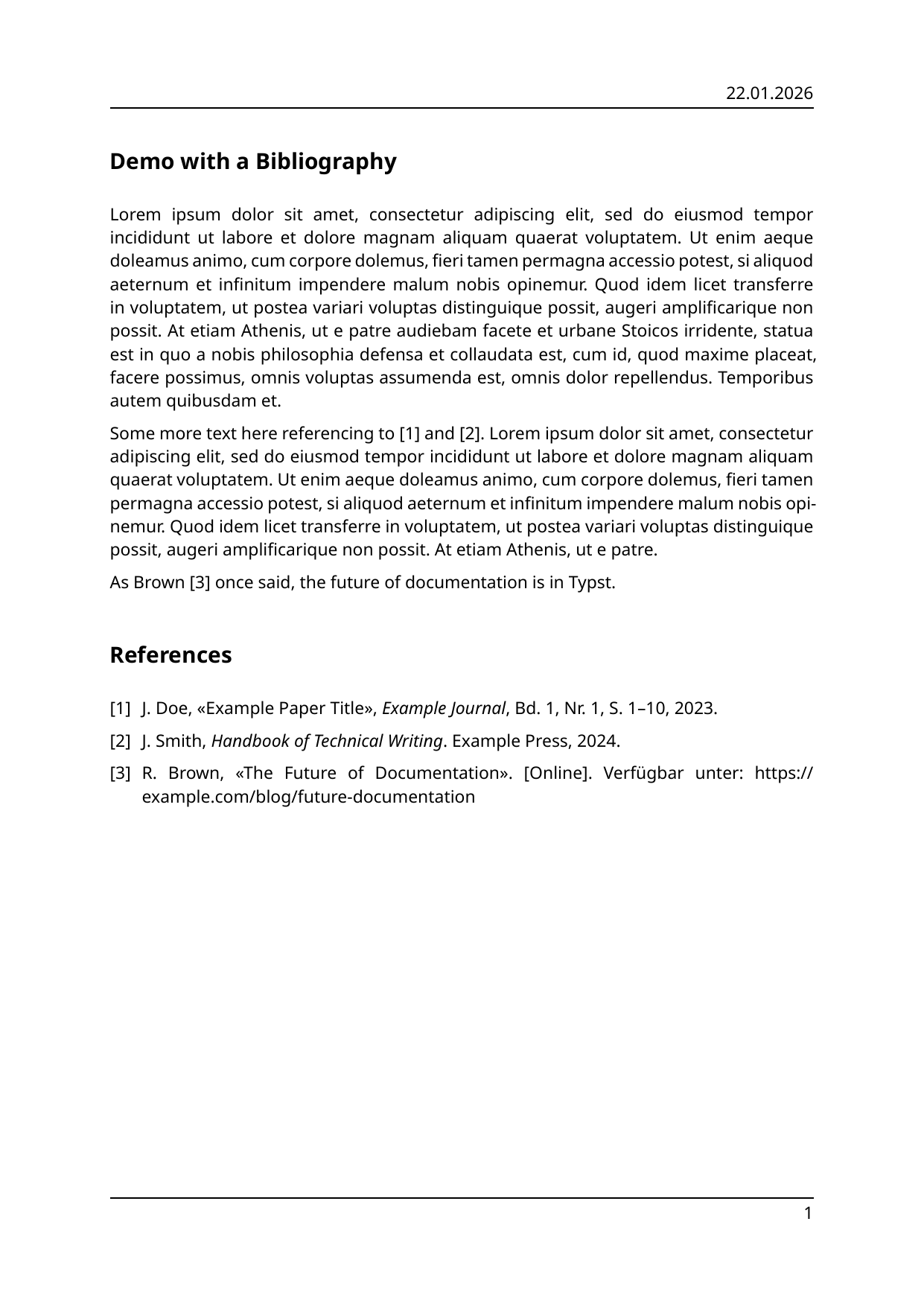
Typst-style @ref / [@ref] handling |
pagebreak.lua |
LaTeX-style page breaks from \newpage and \pagebreak to #pagebreak() |
caption-code-blocks.lua |
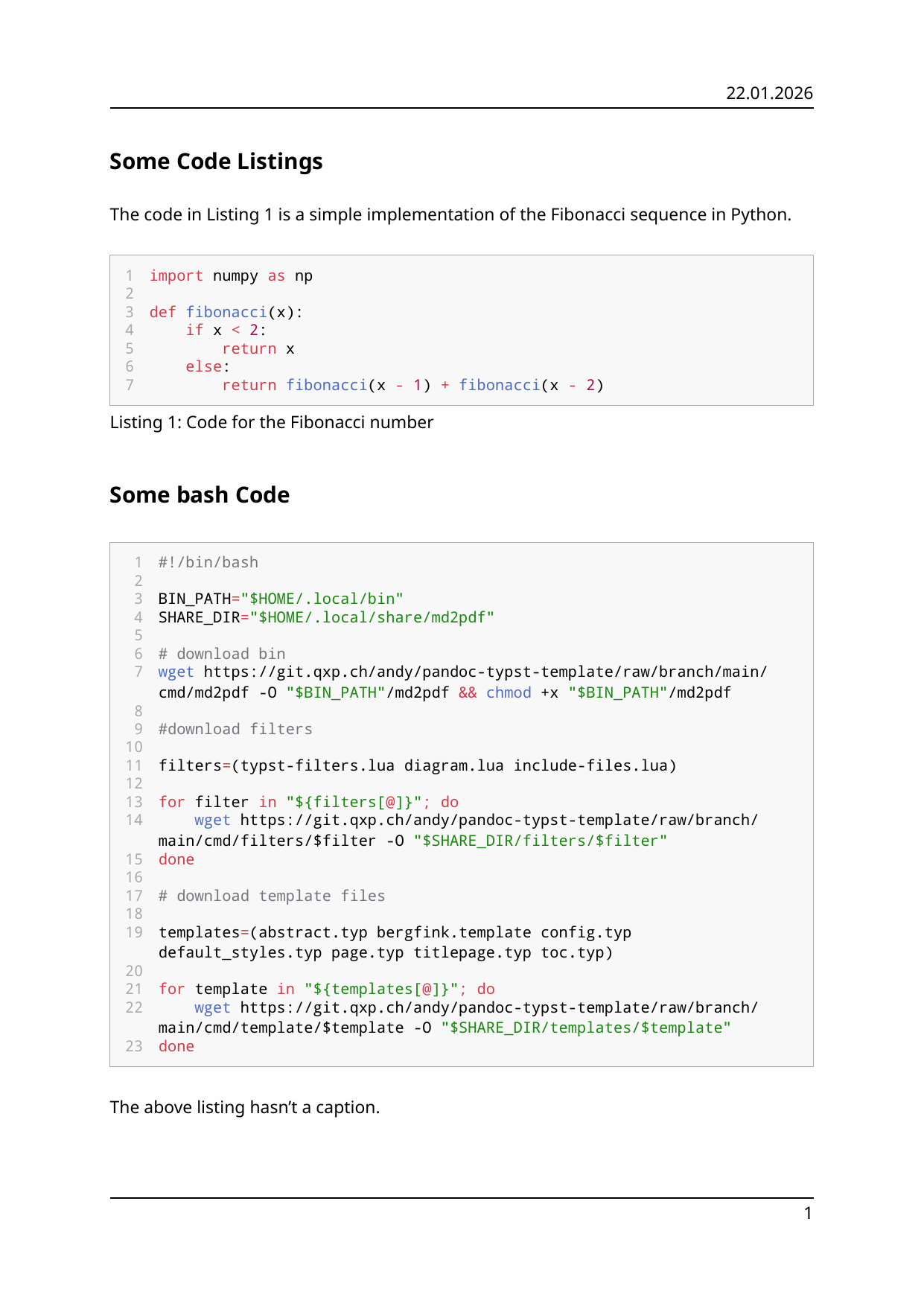
caption attribute on fenced code → Typst figure |
plantuml.lua |
PlantUML code blocks → SVG (needs plantuml in PATH) |
mermaid.lua |
Mermaid code blocks → SVG (needs mmdc in PATH) |
newline.lua |
HTML <br> to Typst LineBreak |
align-figures.lua |
align on images and diagram blocks |
align-tables.lua |
align on tables |
callouts.lua |
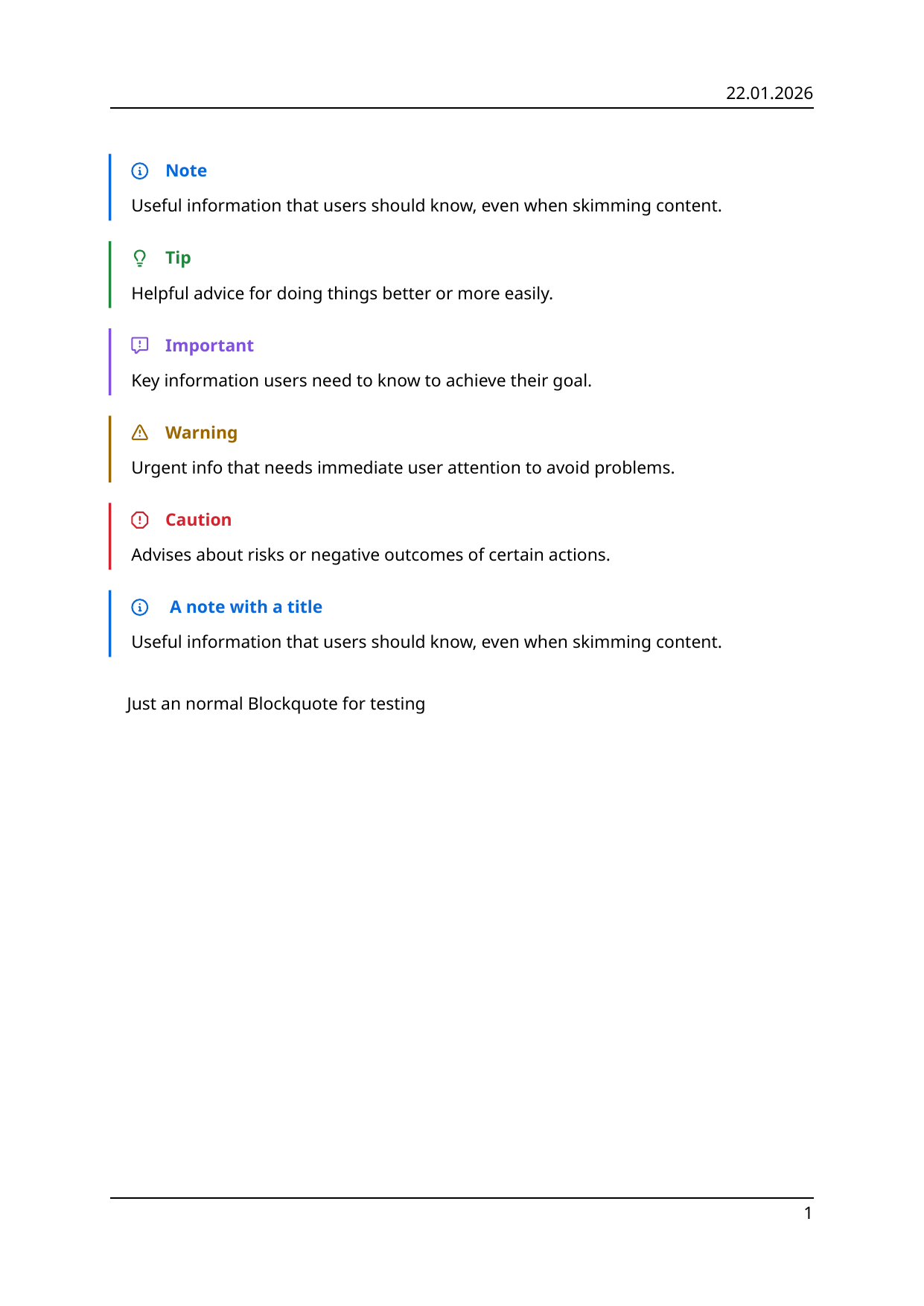
GitHub-style alerts (> [!NOTE], etc.) |
To include other Markdown files using the include-files.lua filter, use:
```{.include shift-heading-level-by=0}
another-file.md
```
YAML-driven tables
template/yamltable.typ provides #yaml-table("path/to/data.yaml") and #yaml-table-figure(...) for tables defined in YAML (key–value, map, grid, matrix, and record layouts). Embed Typst in Markdown with {=typst} blocks or use the helper on examples/yaml-table/document.md. See that example and template/yamltable.typ for schemas and options.
More images
| Image | Tables |
|---|---|
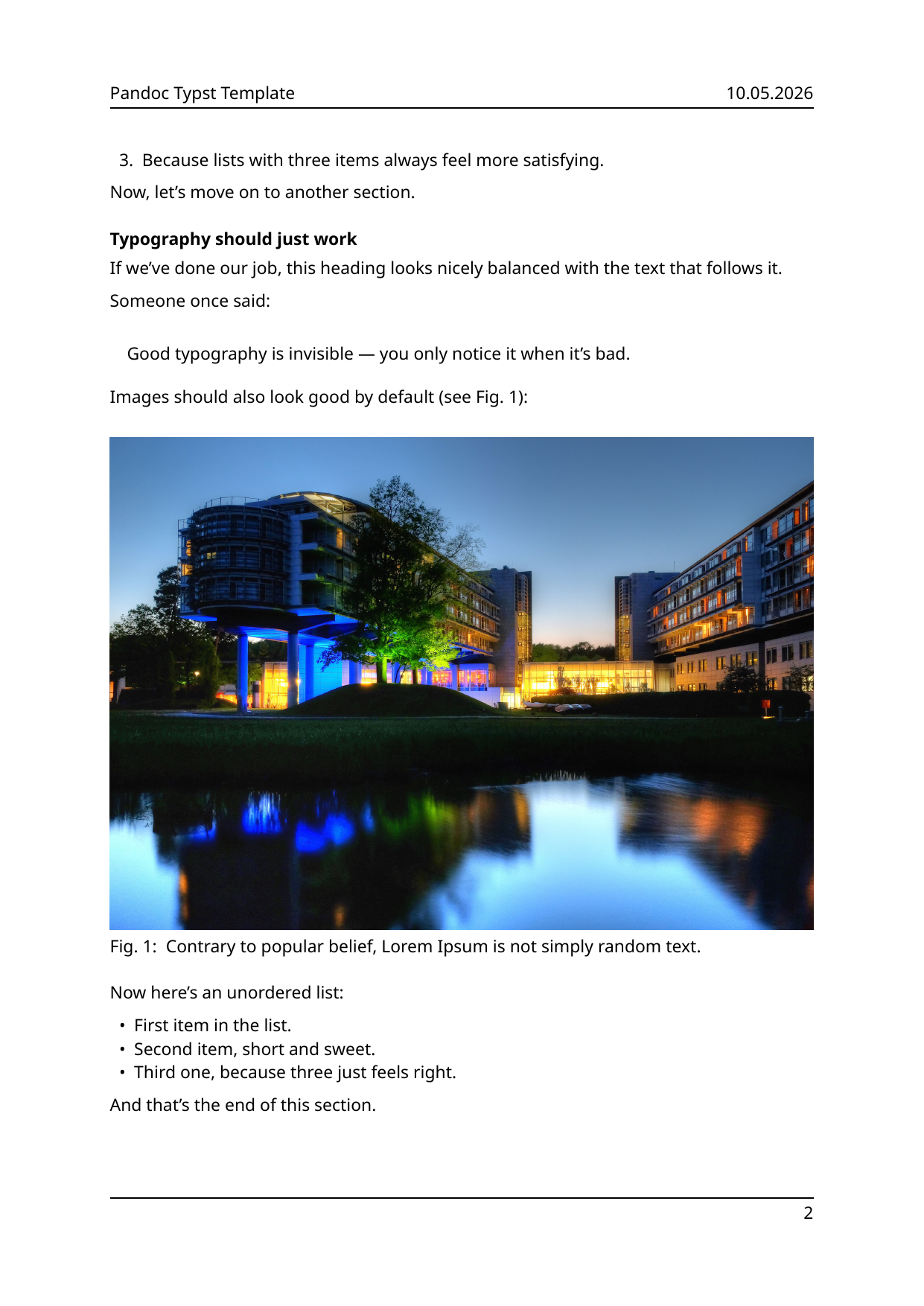 |
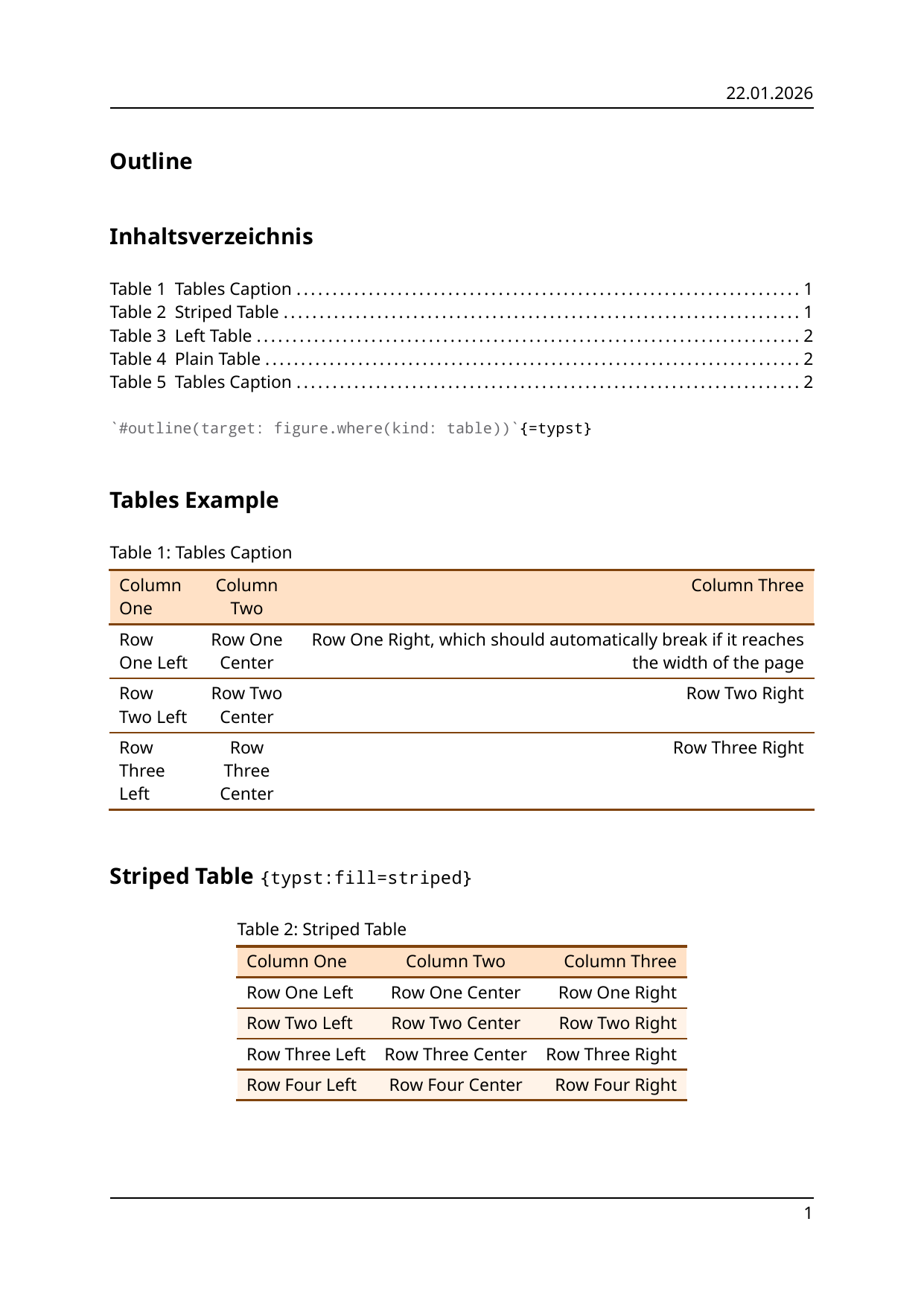 |
| Code listing | Bibliography |
|---|---|
 |
 |
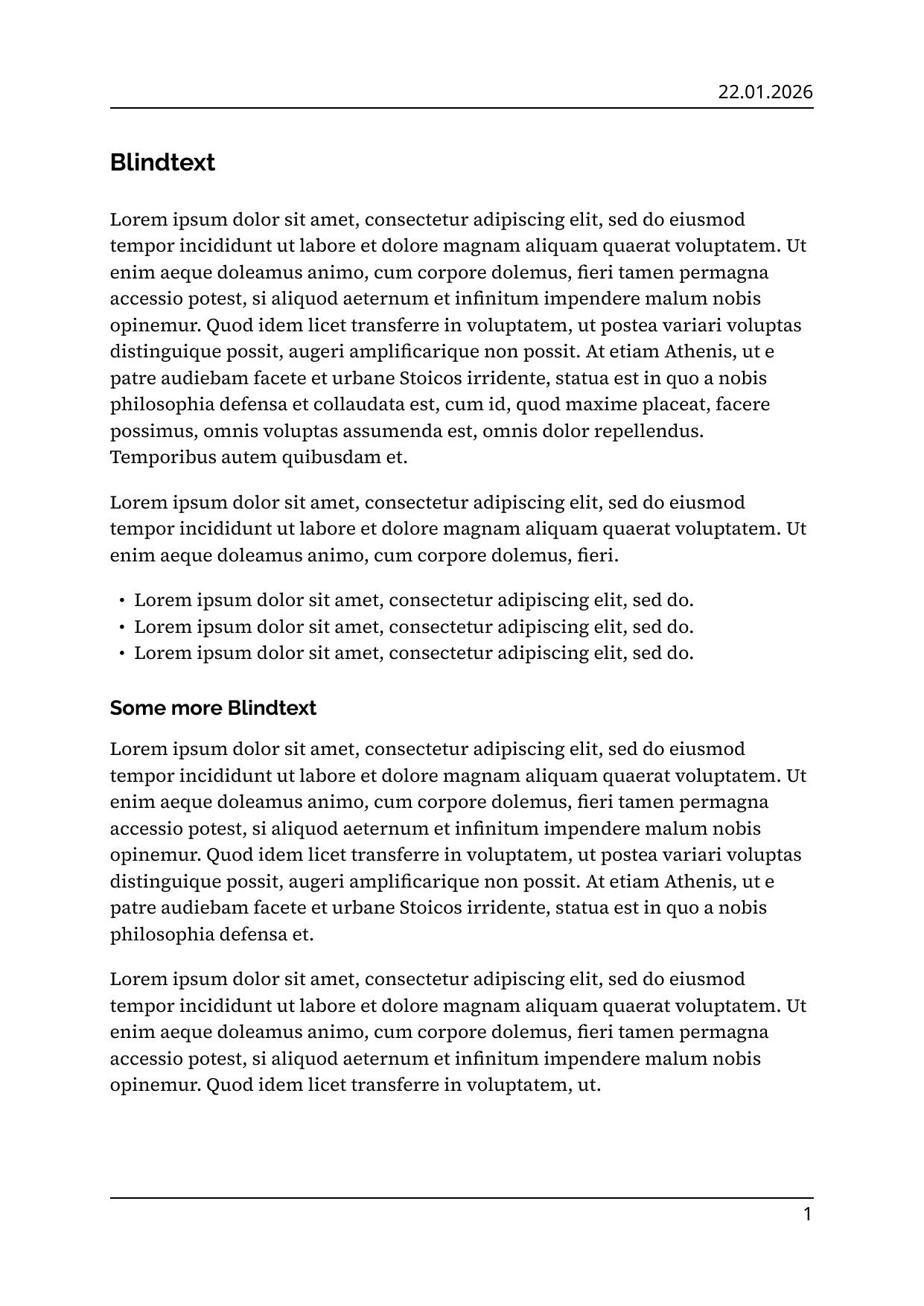
| No header and footers | No text justify and custom header and footer strokes |
|---|---|
 |
 |
| Alerts | Diagrams |
|---|---|
 |
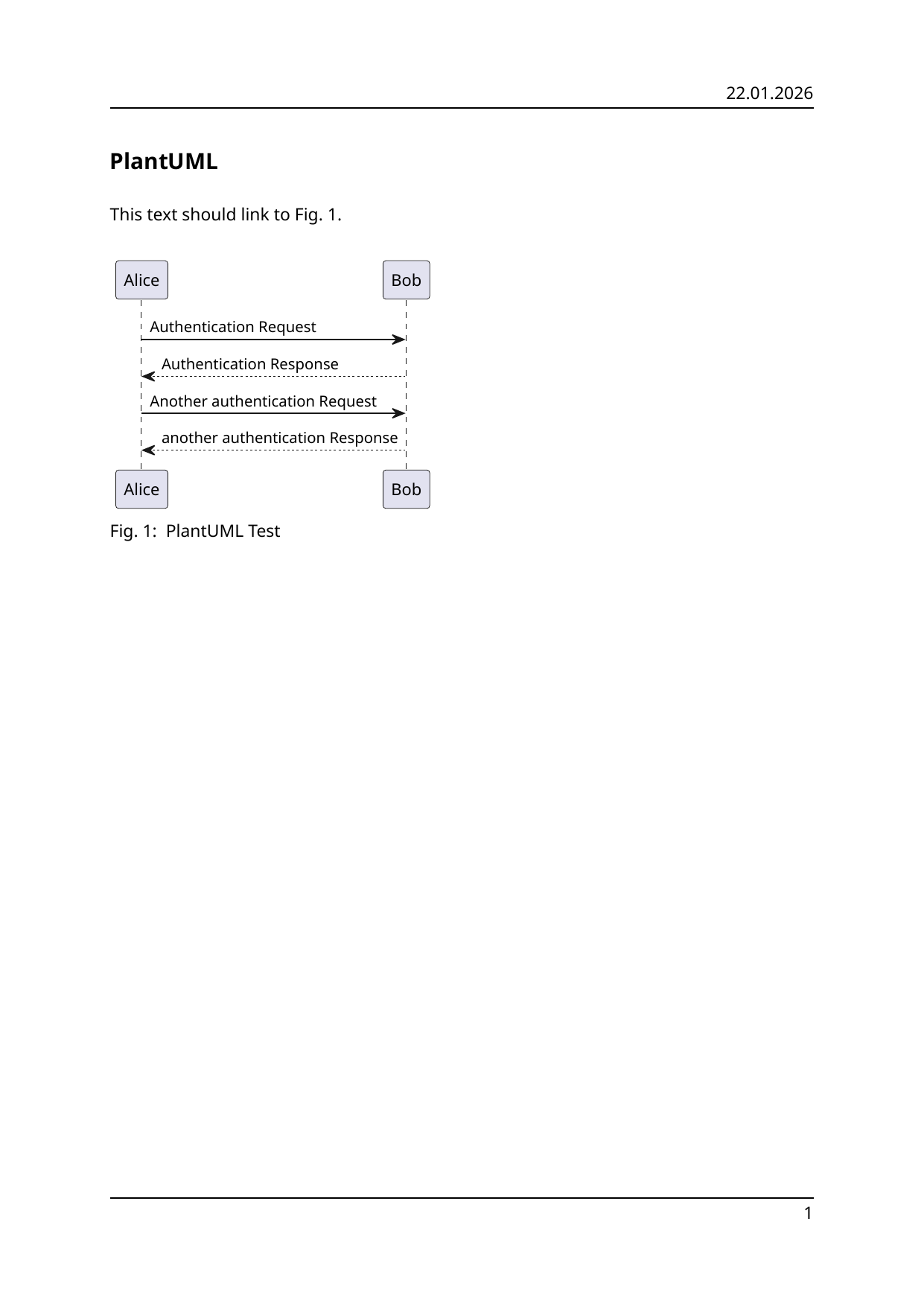 |
Makefile
Use the Makefile to build the examples in this repository.
make pdf              # all example PDFs
make typ              # all example Typst files
make basic-example    # one example: Typst, PDF, and preview PNGs
make preview          # regenerate preview-*.png under examples/
make phd              # generate the phd example
make all              # generate all above